
NEW FEATURE
Introducing Pathways
AI-powered matter guidance, built into LEAP. Benefit from intelligent next-step suggestions that keep every matter moving forward.
How It Works
Pathways analyses the data within your matters and generates intelligent, prioritised suggestions for next steps - keeping your firm informed, on track, and compliant throughout the lifecycle of every matter.
Pathways is made up of two core capabilities: Pathways Suggestions & Pathways Tasks.
Pathways in Action
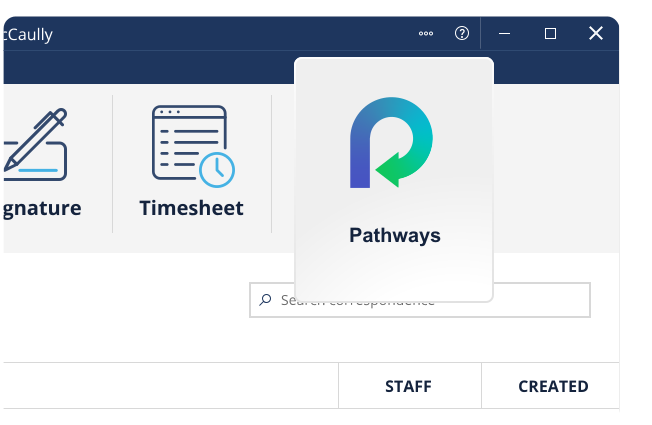
Open a matter and select the Pathways icon from the LEAP ribbon.
The Pathways Suggestions window will open, displaying the next suggested steps for your matter.
Access Pathways Tasks by selecting the Board icon beneath the Pathways Suggestions light bulb icon.
:quality(82))
1. Pathways Suggestions
Pathways analyses your matter data in LEAP and suggests the most relevant next steps so that you never lose track of where a matter is at, or what needs to happen next.
With tailored suggestions for all matter types in LEAP across every jurisdiction, you can trust that every recommendation is relevant to your matter.
Pathways leverages AI to analyse everything LEAP knows about a matter - fees, tasks, critical dates, appointments, cards, and all matter data - and surfaces up to 10 prioritised next steps, right when you need them. It applies state and territory-specific legislative requirements automatically, so whether it's a conveyancing sale or a family law divorce, the guidance is always relevant to that matter.
The moment you open Pathways from a matter, you get a clear picture of where things stand. A plain-language status summary tells you what's happening right now, while an AI-powered completion percentage shows how far the matter has progressed - all derived automatically from your LEAP data.
For each Pathways Suggestion, you have the option to accept the recommendation - which then creates a new task ready for action, mark the suggestion as completed, or dismiss the suggestion entirely if it's not relevant within the context of your matter. Each suggestion features a colour-coded priority sidebar, so you always know what needs your attention first.
:quality(82))
2. Pathways Tasks
Pathways Tasks gives you a dedicated task management hub that works seamlessly alongside LEAP's Calendar & Tasks - bringing every task across every matter into one consolidated view, without the need to navigate matter-by-matter.
Stay on top of every task, every step of the way. A Kanban-style board organises your work into clear columns that reflect each stage of the task lifecycle - so nothing slips through the cracks. Tasks from Pathway Suggestions appear automatically and live alongside your Calendar & Tasks in LEAP, giving you a single, unified view of your day.
Easily move tasks between columns such as waiting, in progress, and completed, update due dates, and create subtasks or add comments with staff tags, all syncing seamlessly back to LEAP. You can also create new tasks directly within Pathways, without them originating from the Pathways suggestion.
LEAP sync ensures every task created or updated in Pathways is reflected instantly in Calendar & Tasks in LEAP, so your team never misses a beat. Firms who prefer to manage tasks at the individual matter level in LEAP Desktop can continue working exactly as they do today, while unlocking the power of Pathways' consolidated, cross-matter view.