
Bring clarity to financial disclosure
Spend less time working through bank statements and more time understanding your client’s financial position. Ruffle brings transactions together in one searchable view, helping UK solicitors review disclosure and explore spending patterns.

Make complex financial information easier to review
Financial disclosure can involve multiple accounts, months of statements and information supplied at different stages of a matter. Building a clear picture by hand takes time.
Ruffle organises bank statement data within your LEAP workflow, helping you examine income and expenditure, identify missing periods and investigate transactions that need further explanation.
Review transactions across the accounts disclosed.
Understand spending by category.
Identify gaps in the statements provided.
Explore financial information supplied by either party.
Use recorded expenditure to inform discussions about living costs.

Move beyond manual statement checking
Working through bank statements line by line can draw valuable time away from progressing a matter and advising your client.
Ruffle extracts and categorises transactions from uploaded PDF statements, giving you a structured starting point for your review. Search for relevant payments, compare spending and explore the detail without repeatedly working through individual documents.
Digital statements and scanned copies can be processed in PDF format, subject to the quality and readability of the source documents.
Review financial data within your LEAP matter
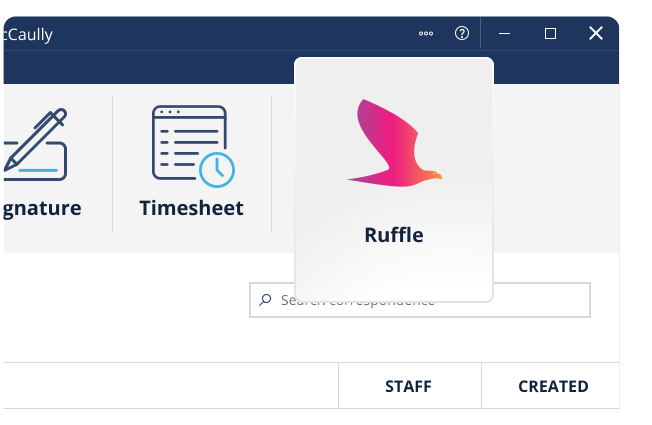
Open a family law matter type and click the Ruffle icon in the LEAP ribbon.
Alternatively, you can open Ruffle by right-clicking in the correspondence area in any matter type.
Once the app is open, select bank statements from your correspondence folder in LEAP.
Ruffle will extract details from every statement, including account info, statement numbers & date ranges.
Once every transaction is extracted, Ruffle assigns each one a category such as rent, gambling, ATMs, etc.
Frequently Asked Questions

Give your financial disclosure review a clearer starting point
Whether you work independently or within a team, Ruffle helps you turn bank statements into information you can explore and use. Reduce the manual work of organising financial data and focus your attention on the questions that require your expertise.
Bring statement data together in a searchable workspace.
Find relevant transactions without checking every document individually.
Review expenditure by category and explore changes over time.
Identify missing statement periods and areas requiring clarification.
Develop a clearer understanding of the disclosed financial information.
