Conveyancing
Three LEAP tools that'll get you to lunch faster
:quality(70))
:quality(85))
It's Monday morning. You've just opened Outlook and your inbox looks something like this:
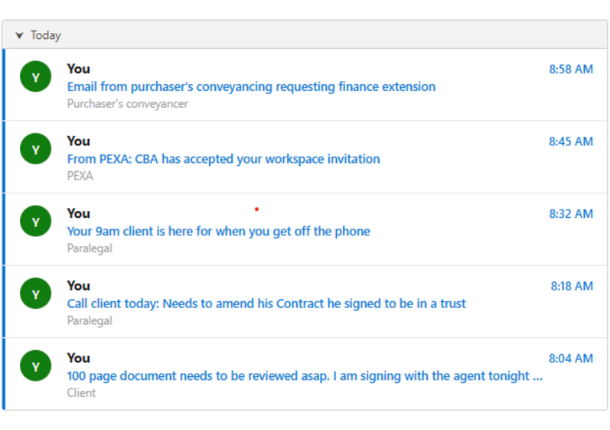
Before you resign yourself to another day of putting out spot fires, there are tools already inside your LEAP subscription that can help with several of these.
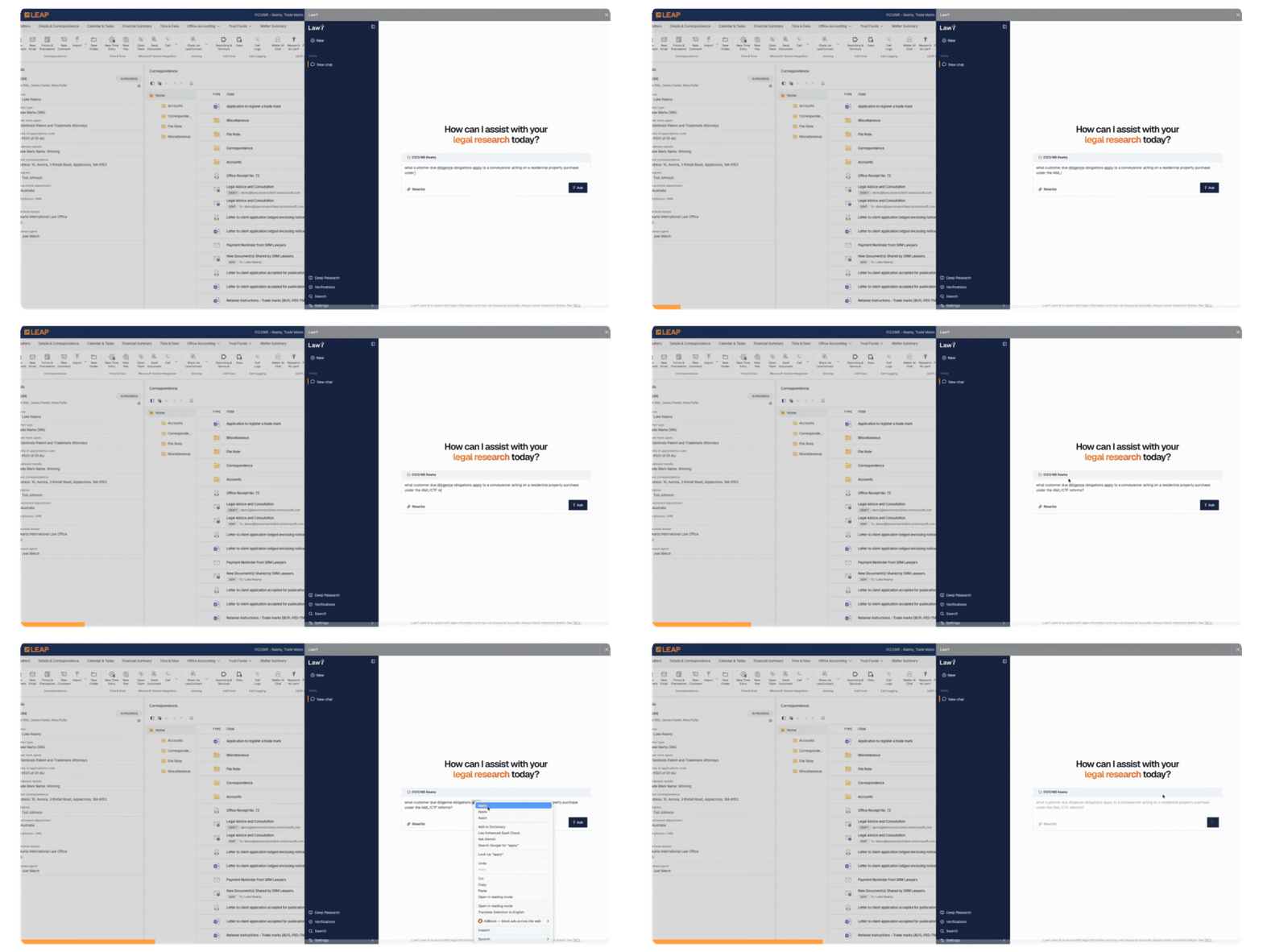
LawY
There are plenty of AI research platforms around at the moment, but for property practitioners, LawY is the one worth starting with. It's already embedded in your LEAP subscription at no extra cost. Think of it as the place to springboard your questions and kickstart your research, with the added reassurance that a complex answer can be verified by a real lawyer before you rely on it. Not unlike bouncing ideas off a trusted colleague before you advise.
Use it for: That client who needs to amend their Contract to name a trustee of a trust. LawY can research any duty implications that amending the purchasing entity after signing may bring, a solid first step before you pick up the phone.
Matter AI Prompts
You probably already know LEAP has a Forms & Precedents library. What you might not have explored yet is the AI Prompts section sitting inside it: pre-written prompts that generate first-draft letters and documents for common property matters.
Use it for: The "Letter reviewing a contract of sale (Prompt)" in the Purchase folder. It reads the matter correspondence including the Contract of Sale, pulls out the key particulars, conditions, and disclosure items, and produces a first-draft client advice letter. For a 100-page contract that landed overnight, that's a useful head start.
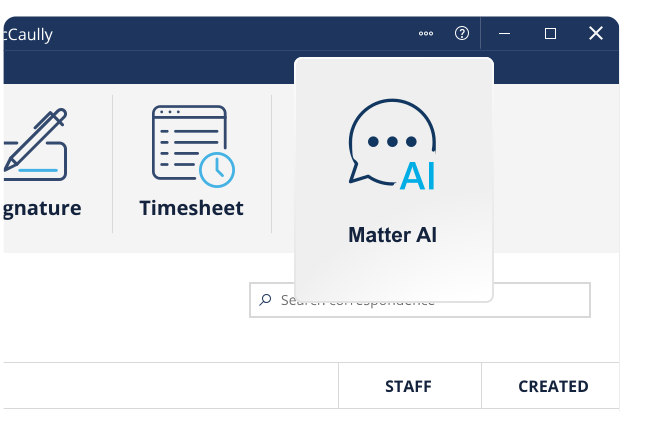
Matter AI Chat
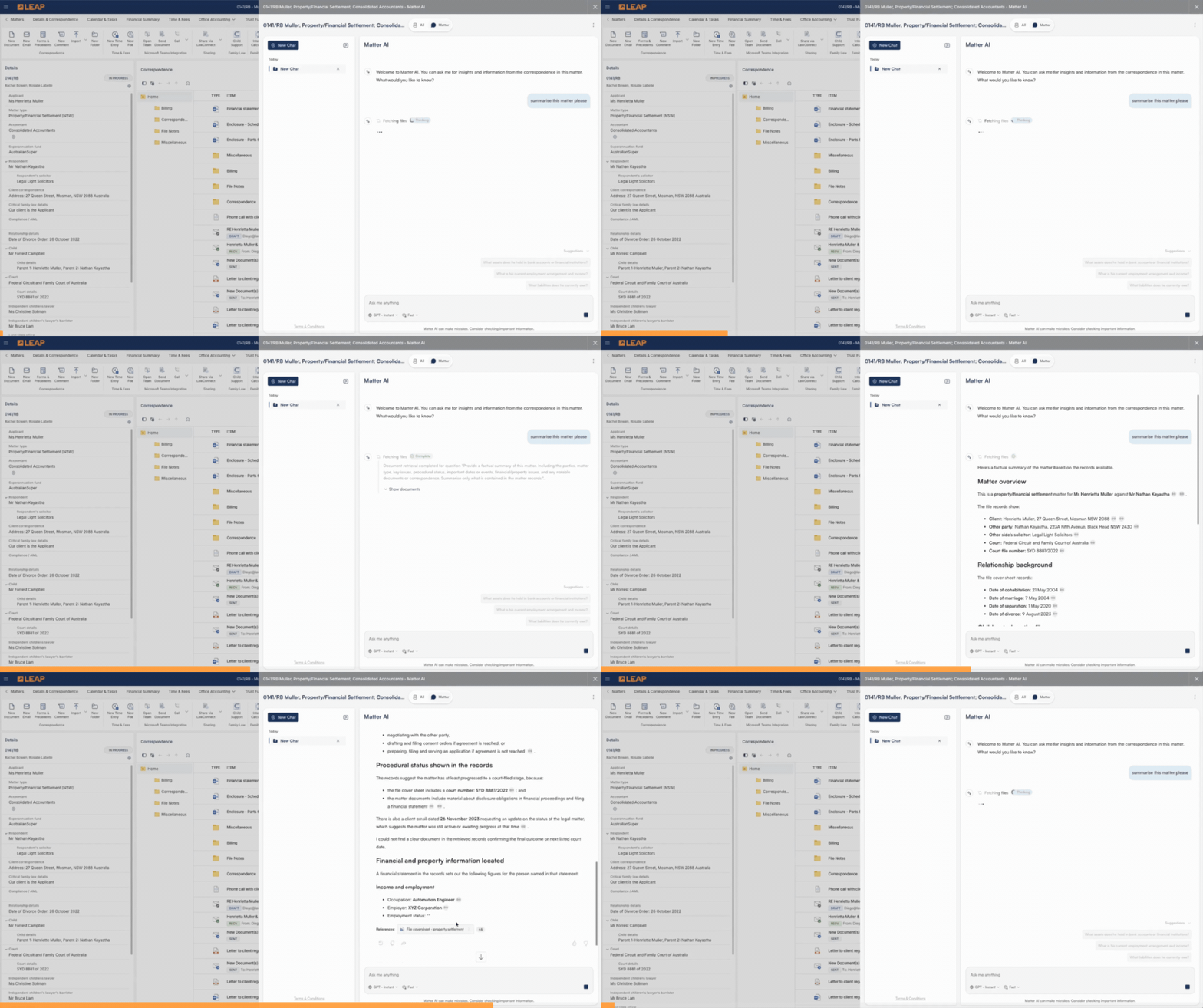
This one sits in the LEAP ribbon and is probably the closest to how you might already be using AI outside of work. Ask it questions, dig into the details of a matter, draft follow-up correspondence. The difference is it draws from your actual matter correspondence rather than the open web, and you stay inside LEAP the whole time.
Use it for: That finance extension request where something doesn't quite add up. Ask Matter AI Chat to look into it, then draft the response to your client or the purchaser's conveyancer directly.
Using AI functionality that is embedded within LEAP has already helped tackle three tasks from your inbox and you can hopefully head to lunch with an inbox looking something like this:
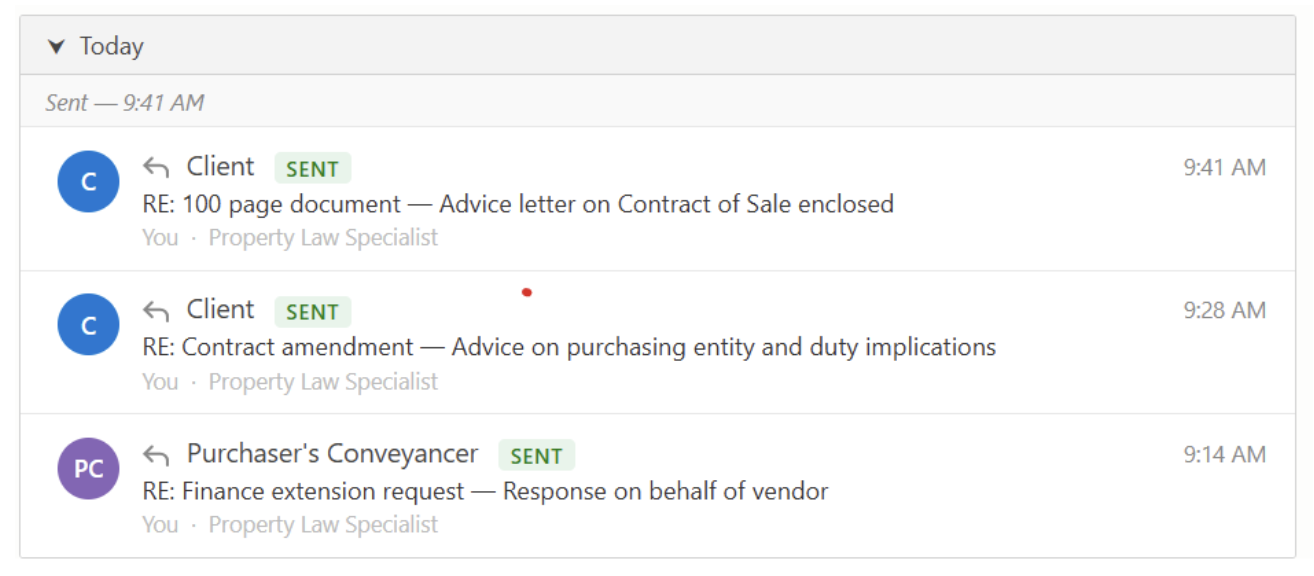
The tools are already there. It's mostly a matter of knowing where to find them and what to reach for. LEAP's Property team is here if you want to talk through what else is available inside your subscription.
About the writer
:quality(85))
:quality(82))
Keep up with LEAP Property
See the latest tools, events and product updates for property and conveyancing firms.